
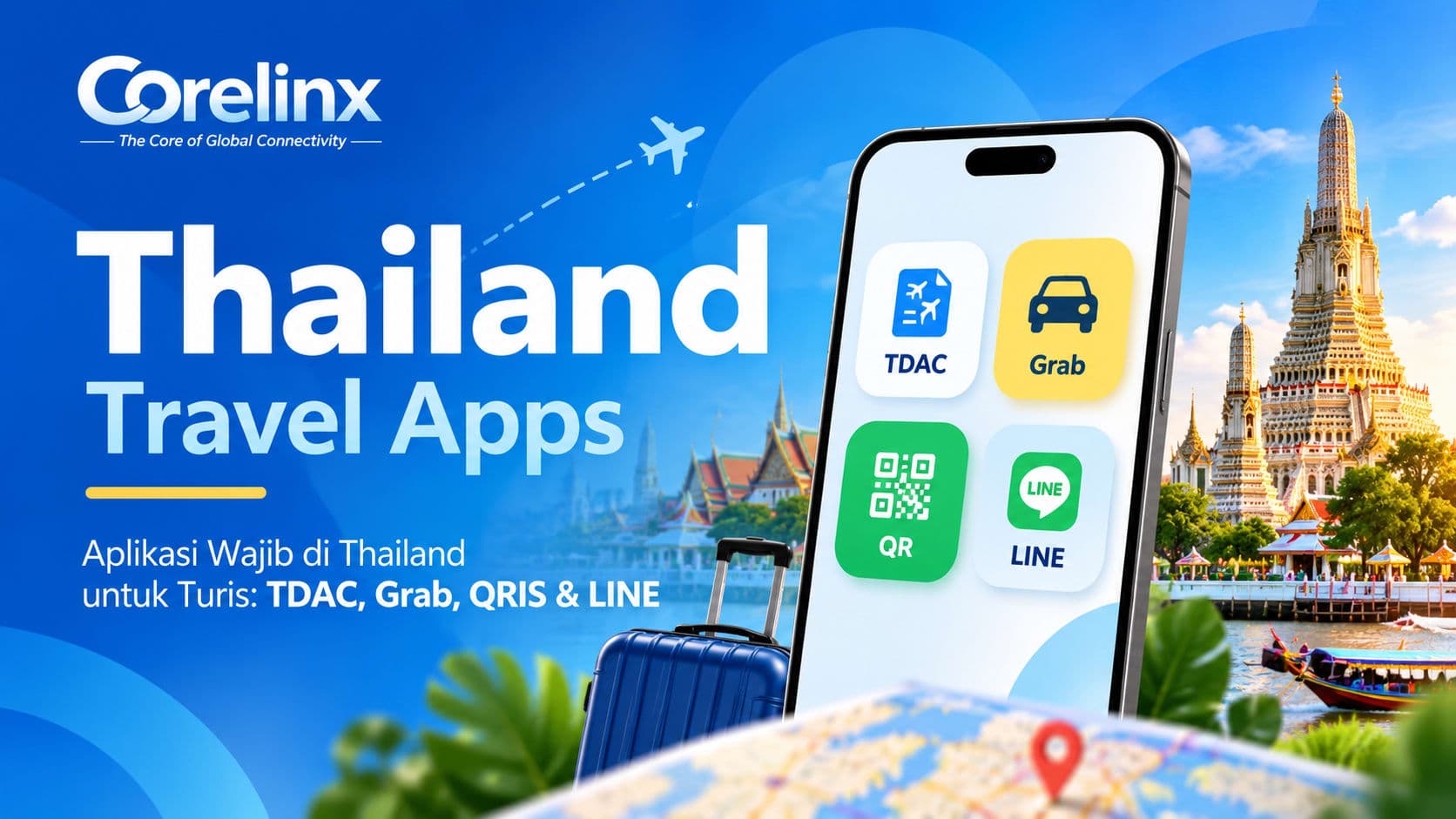
This guide sorts each app by three practical questions: is it required, how much data does it need, and does it need a phone number for verification. Entry and payment facts were checked against official sources on 16 October 2026.
Which apps should you download before a Thailand trip?
| NeedApp / serviceRequired?Data neededNeeds SMS code | ||||
| Entry | TDAC (official Thai Immigration website) | Yes, for all foreign passengers | Only while filling it in | No, confirmation arrives by email |
| Getting around | Grab, Bolt | No, but very useful | Yes, to book and track rides | Yes, at sign-up or on a new device |
| Navigation | Google Maps or Apple Maps | No | Yes (partial offline download possible) | No |
| Payments | Your bank or wallet app, if it supports Thai QR (PromptPay) | No | Yes, to scan and confirm | Depends on your bank |
| Local messaging | LINE | No | Yes, light | Yes, at sign-up |
| Language | Google Translate with the Thai language pack | No | Works offline for text | No |
The last column matters because a travel eSIM is usually data-only, while verification codes are sent by SMS to your home number.
Do you need the Thailand Digital Arrival Card?
Yes. The official Thailand Digital Arrival Card site run by Thai Immigration states that all passengers must complete it, and that foreigners must submit their arrival card information within 3 days before their arrival date. The official page title also states that no fees are required, so avoid third-party sites that charge you to file it.
- When to file: one to three days before your flight, once your flight number and first hotel address are final.
- What you need: passport details, flight number and accommodation address.
- After submitting: save the confirmation email and screenshot the QR code so you can show it even if airport signal is weak.
- Plans changed? The same site has an Update Arrival Card option.
The TDAC is not a visa. Visa and length-of-stay rules depend on your passport, so check the requirements for your nationality separately.
Grab or Bolt: which ride-hailing app should you use?
Both operate in Thailand (Grab Thailand and Bolt Thailand). Many travellers install both and compare prices for the same trip.
- Sign up at home. Verification codes go to your phone number, and they are easiest to receive while your home SIM is on its home network.
- Add a payment method you trust. Cash is often available; foreign cards may carry your bank's foreign transaction fees.
- Keep your hotel address in Thai script. Many hotels include it in the booking email, which helps drivers when the pickup pin is unclear.
Ride-hailing apps need live data to show the driver's location and receive messages, which is why it pays to be online the moment you leave the plane rather than waiting for hotel Wi-Fi.
How do payments by QR code work for visitors?
Thailand's national QR standard is PromptPay, and many shops and food stalls display it. Whether you can pay with it depends on your home bank or wallet. Some countries have cross-border QR links with Thailand. For example, Bank Indonesia's cross-border QRIS page lists Thailand as a partner country, with PromptPay as the local standard, so Indonesian bank and wallet apps on that list can scan Thai QR codes.
If your home bank has no such link, a contactless card and some baht in cash are the simple fallback. Either way, QR payments need an internet connection to scan and confirm, so make sure your data works before you queue at a market stall.
Which map and translation apps are worth it?
Google Maps covers most visitor needs in Bangkok, Chiang Mai and Phuket: finding restaurants, checking opening hours and seeing public transport routes. Download offline areas as a backup, but remember that live traffic and transit times still need data.
For language, download the Thai pack in Google Translate so basic text translation works offline. Camera translation of menus and signs, and voice conversation mode, work far better online.
Why install LINE if you already use WhatsApp?
In Thailand, many hotels, tour operators and small businesses communicate through LINE. Keep WhatsApp for friends and family, but having LINE makes it easier to confirm pickups, ask a shop about stock or receive tour tickets. Register before you travel, because sign-up uses phone-number verification. After that, LINE chats and calls run over data, including on a travel eSIM.
Do you need a Thai phone number?
Most tourists don't. The safest setup is two lines on one phone: keep your home SIM installed to receive banking and app SMS codes, and use a travel eSIM as your data line. Our guide to using a travel eSIM alongside your primary SIM walks through the settings. Whether your home number receives SMS while abroad depends on your home carrier, so finish account verifications before departure.
If you're still deciding how to get online at all, compare the options in our Bangkok eSIM vs SIM vs roaming guide, and for the wider trip plan see the Bangkok guide for first-timers.
A 30-minute setup checklist
- Submit the TDAC on the official site within 3 days before arrival and save the QR code.
- Install and verify Grab, Bolt and LINE.
- Check whether your bank or wallet can pay Thai QR codes; otherwise plan for card and cash.
- Download offline maps and the Thai language pack.
- Install your Thailand eSIM at home and switch on its data line when you land.
How much data do these apps use?
Ride-hailing, QR payments and text chats are light. Video streaming, video calls, large photo uploads and hours of navigation are what drain a plan. Example Thailand plans on Corelinx as of 16 October 2026 (USD, prices may change):
| Trip styleExample planPrice | ||
| Weekend in Bangkok | 3GB, 3 days | $1.68 |
| One week, moderate use | 5GB, 7 days | $3.30 |
| One week, heavy maps and social | Unlimited 1GB/day, 7 days | $3.43 |
| One week, lots of uploads | 10GB, 7 days | $5.19 |
| Two weeks across several cities | 10GB, 15 days | $5.98 |
On "Unlimited" plans with a daily allowance, speeds after the daily amount follow the terms shown on each plan page.
FAQ: apps for travelling in Thailand
Can I fill in the TDAC after landing?
The official rule asks foreigners to submit within 3 days before arrival. Doing it from home is far less stressful than sorting it out at the airport on a weak connection.
Is Grab or Bolt cheaper in Thailand?
It varies by time and route. Installing both and comparing quotes for the same trip is the simplest way to find out.
Can a travel eSIM receive SMS verification codes?
Corelinx travel eSIMs are data-focused. Keep your home SIM active for SMS codes and use the eSIM as your data line.
Do I need data for LINE and WhatsApp?
Yes. Both run over the internet, so chats and calls work on a travel eSIM once your accounts are verified.
Is the TDAC a visa?
No. It is an arrival registration. Visa requirements depend on your nationality and must be checked separately.
Stay connected in Thailand
Every app on this list works best when your phone is online from the moment you land. Install a Thailand eSIM before you fly and choose the data that fits your trip length and habits. Browse the options on the Corelinx Thailand eSIM page.