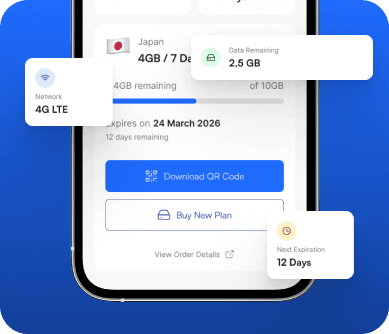
Get Connected in 3 Simple Steps
Corelinx travel eSIMs are installed digitally using an order QR code and a stable internet connection. After installation, select the eSIM for mobile data and follow the selected plan's settings and activation policy.
Choose Your Plan
Check that your exact phone model and variant support eSIM and that the phone is carrier-unlocked. Choose a plan for the countries you will visit, then compare its stated data allowance, validity, price, and activation policy. If an important detail is missing, ask Corelinx support before buying.
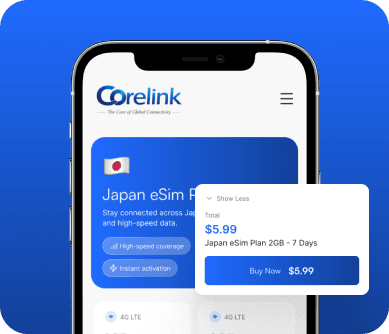
Scan & Install
Use a stable internet connection, preferably Wi-Fi. Open the eSIM installation menu in your phone settings and scan the QR code from your order, or enter the manual activation details when provided. Follow the instructions for your device and selected plan; installation time can vary.
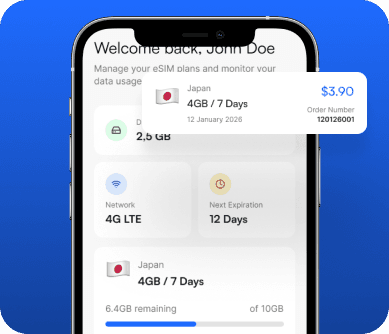
Connect & Go
At your destination, turn on the travel eSIM and select it for mobile data. Follow your plan's instructions for data roaming, APN, and network selection when required. Check when validity starts before installation or travel, especially if a transit country is covered. Contact Corelinx support if you cannot connect.